Get space back on your phone, without risk.
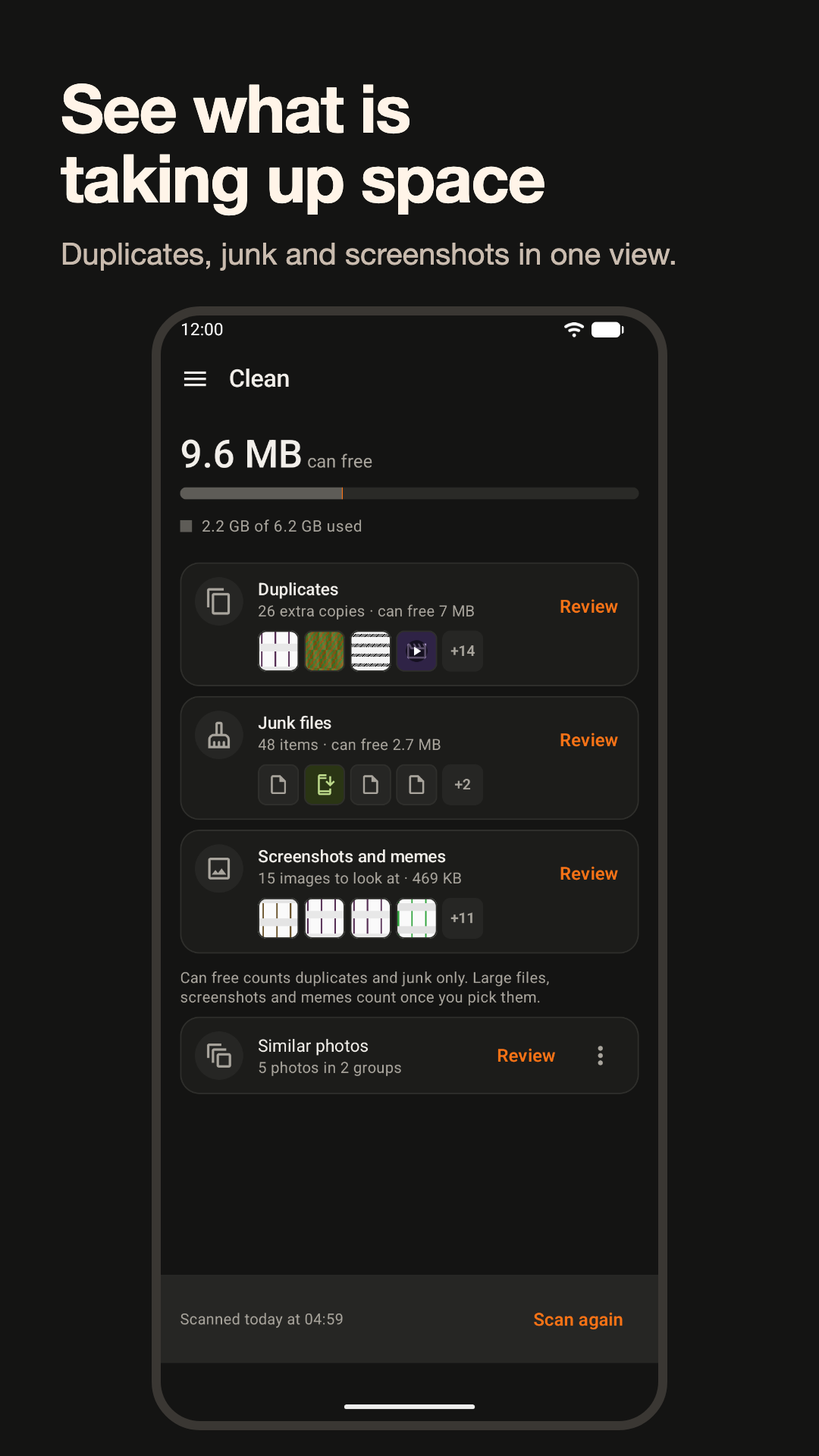
Clearout finds duplicates of any file type, junk files, large files, and screenshots and memes. You see everything before anything moves, and you choose what to remove.
Coming soon to Google Play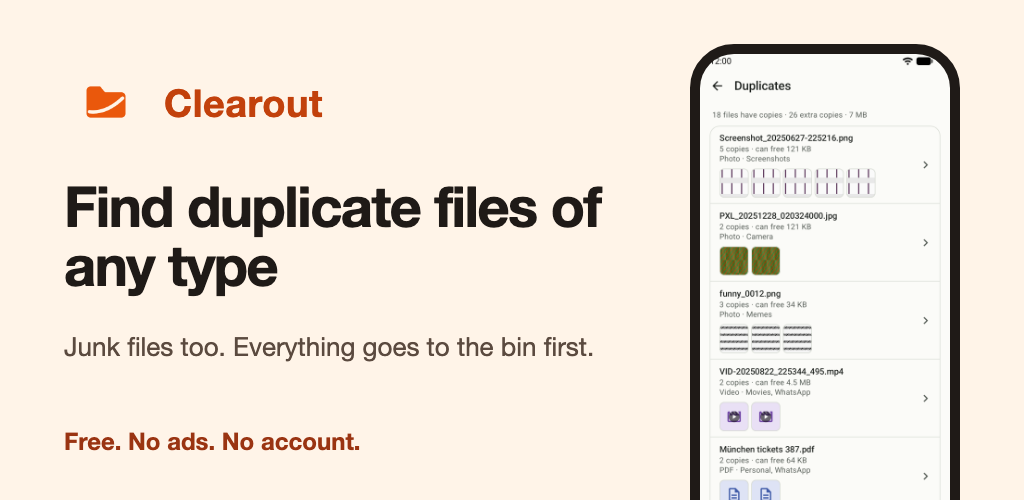
What you get
Duplicates
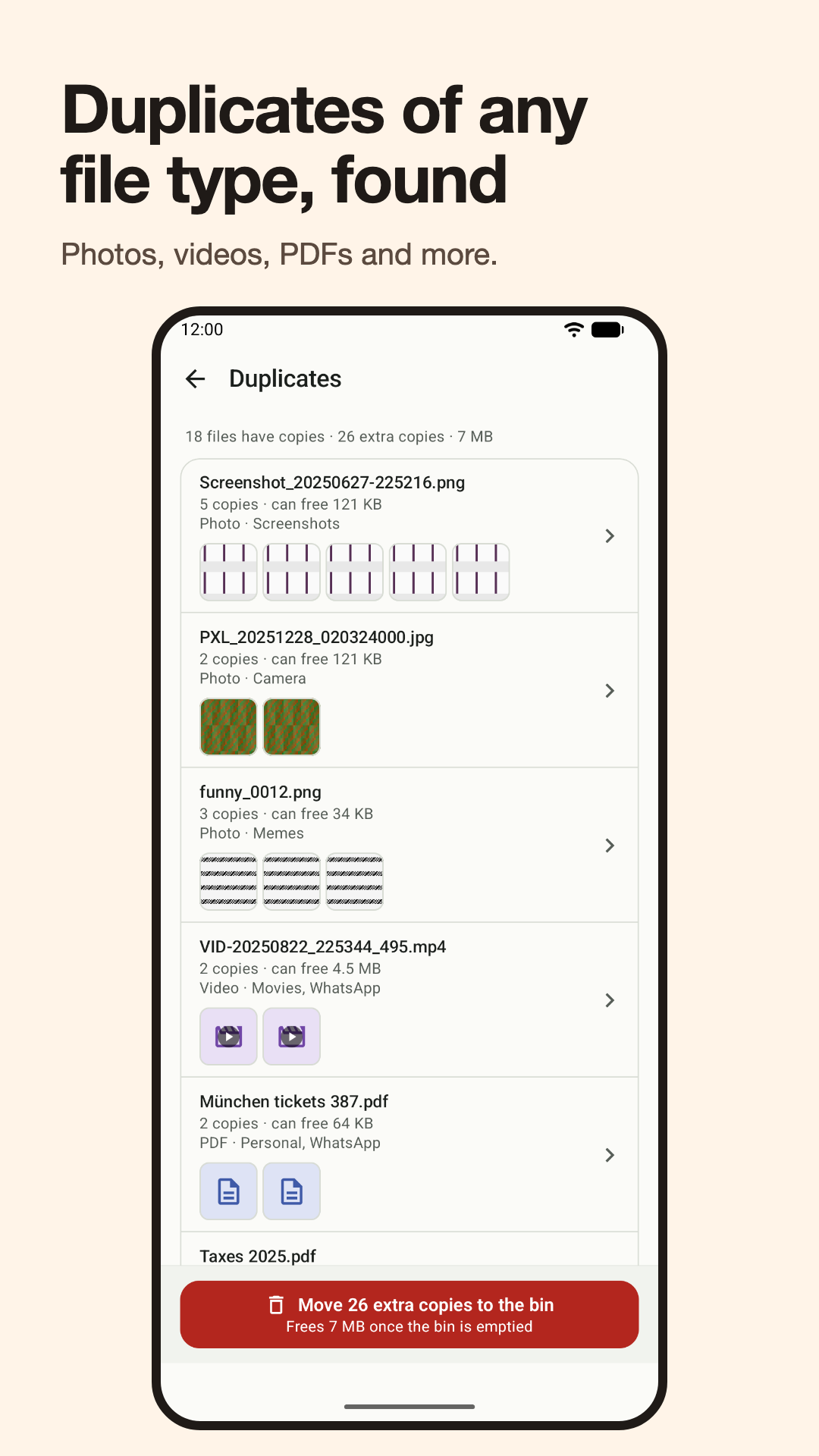
Copies with exactly the same content, even when the names differ. By default the oldest copy is kept.
Junk files
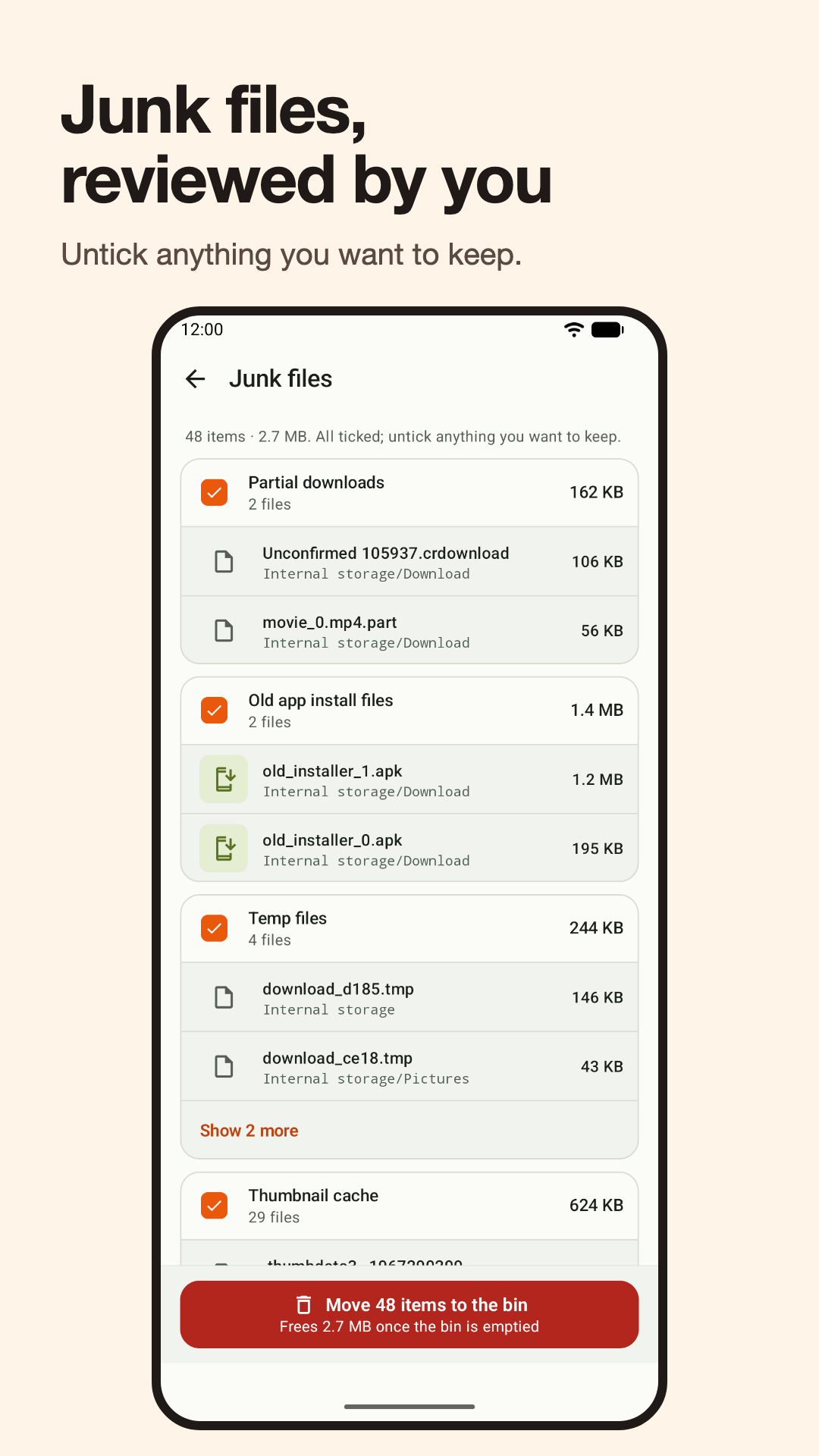
Partial downloads, old app install files, temp files, thumbnail cache, log files and empty folders.
Large files
The biggest files first, so you can spot what you forgot.
Screenshots and memes
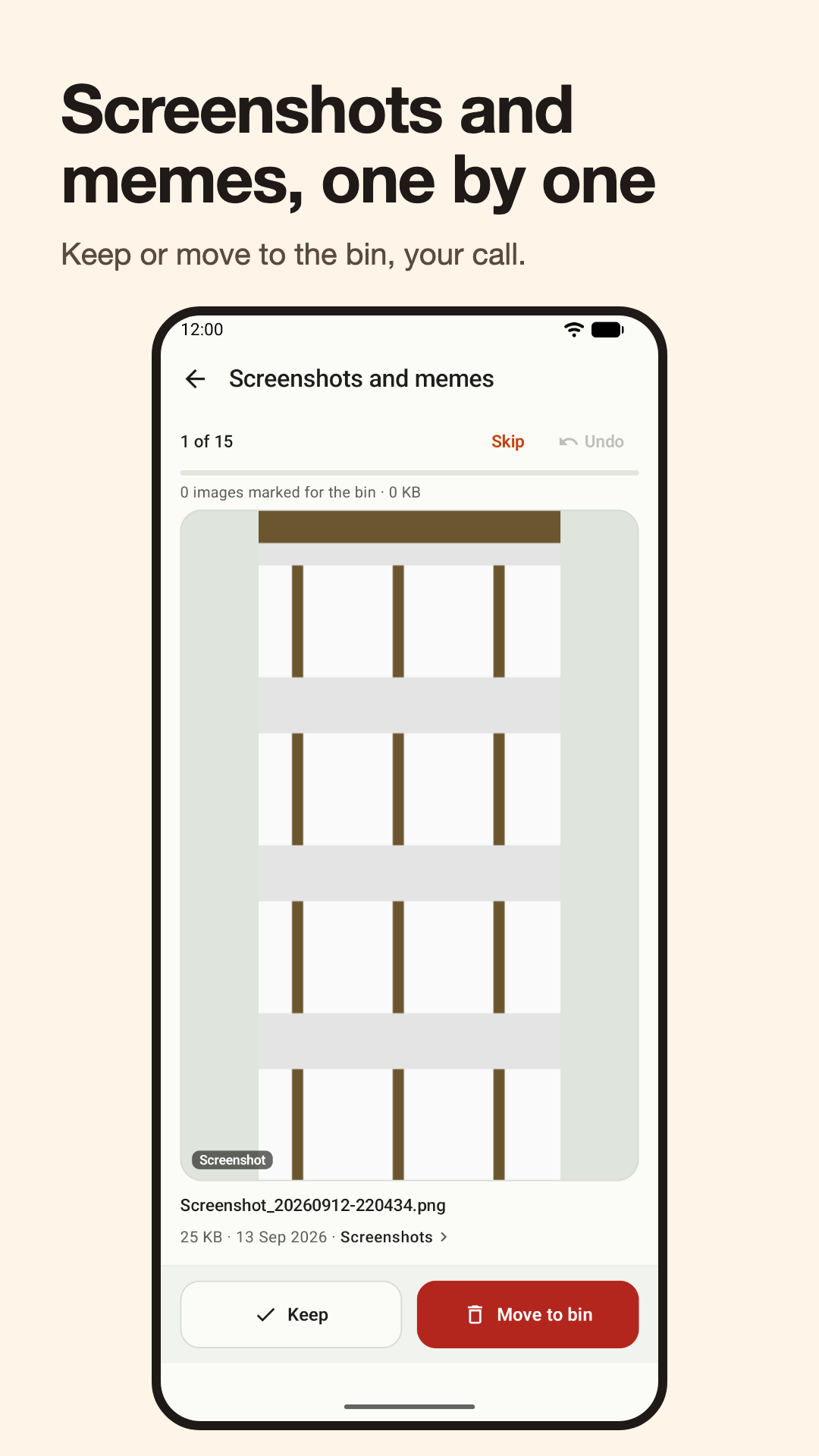
Swipe to keep or remove, one by one.
Browse
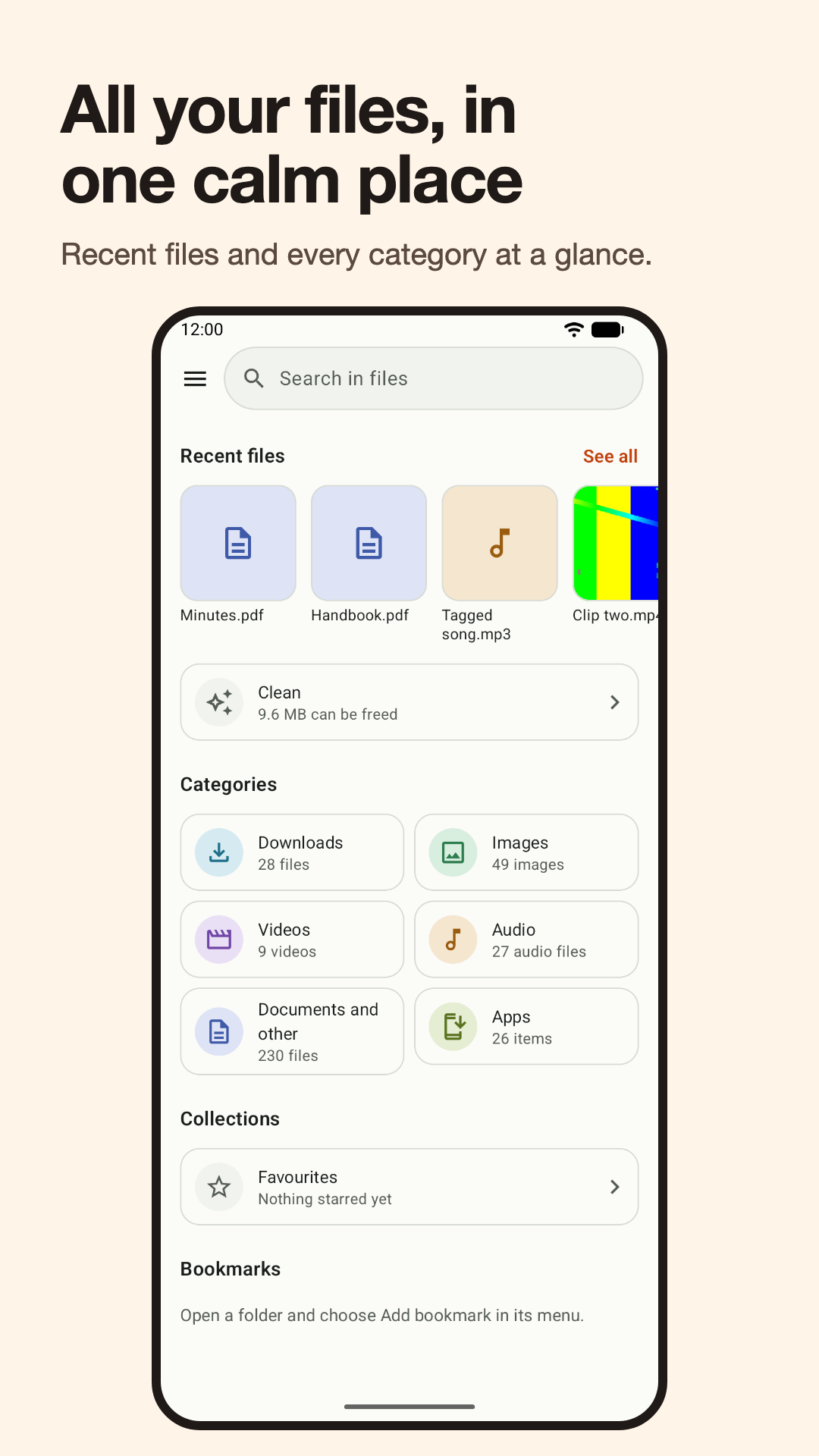
Recent files, categories, folders, favourites, your SD card, and search by file name.
Built-in players and tools
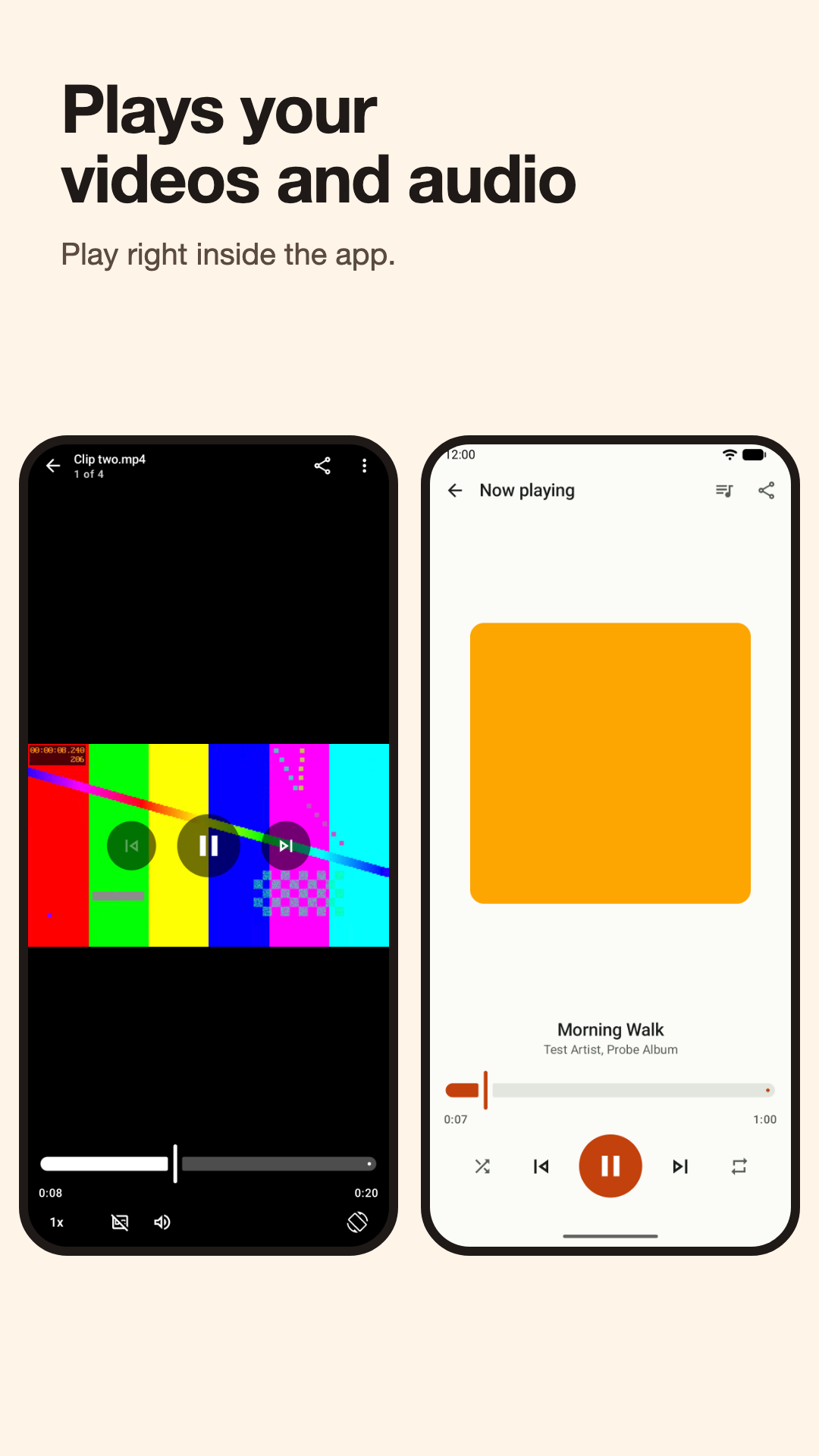
Play video and audio, view images, PDFs and text, and use PDF tools, all inside the app.
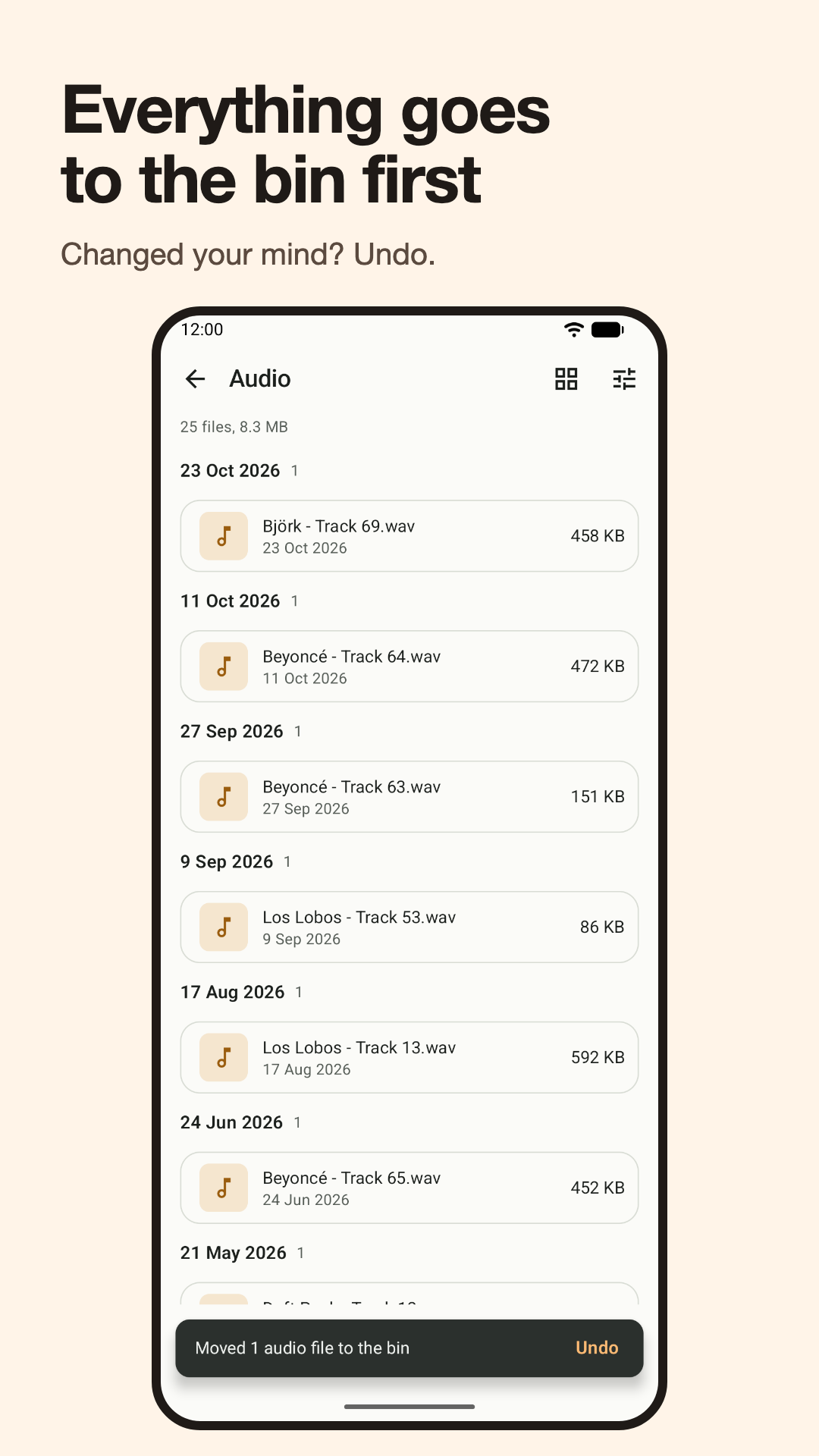
Bin first, with undo
Screenshots
Private by design
Everything stays on your phone
Clearout has no internet permission, so it cannot send your files anywhere.
No account, no ads, no tracking
Free to use. Nothing is collected. Read the privacy policy.
You stay in control
Clearout asks for access to your files because a file manager has to list and move files in any folder. You can also choose only the folders it may read.